Millers Jump Time Entertainment · Indoor Use Only
Arcade Game Rentals in St. Cloud, FL
Classic cabinets. Friendly competition. Your indoor game night.
Bring classic arcade play to an indoor celebration in MJT's hometown, St. Cloud. Rent one favorite machine or create a small game lineup for a birthday, school night, church gathering or community game evening. Our catalog shows the actual rentals and prices; choose your event schedule to check which games are open.
Choose your St. Cloud arcade lineup
9 current rentals · Starting at $99 base rental · Indoor Use Only
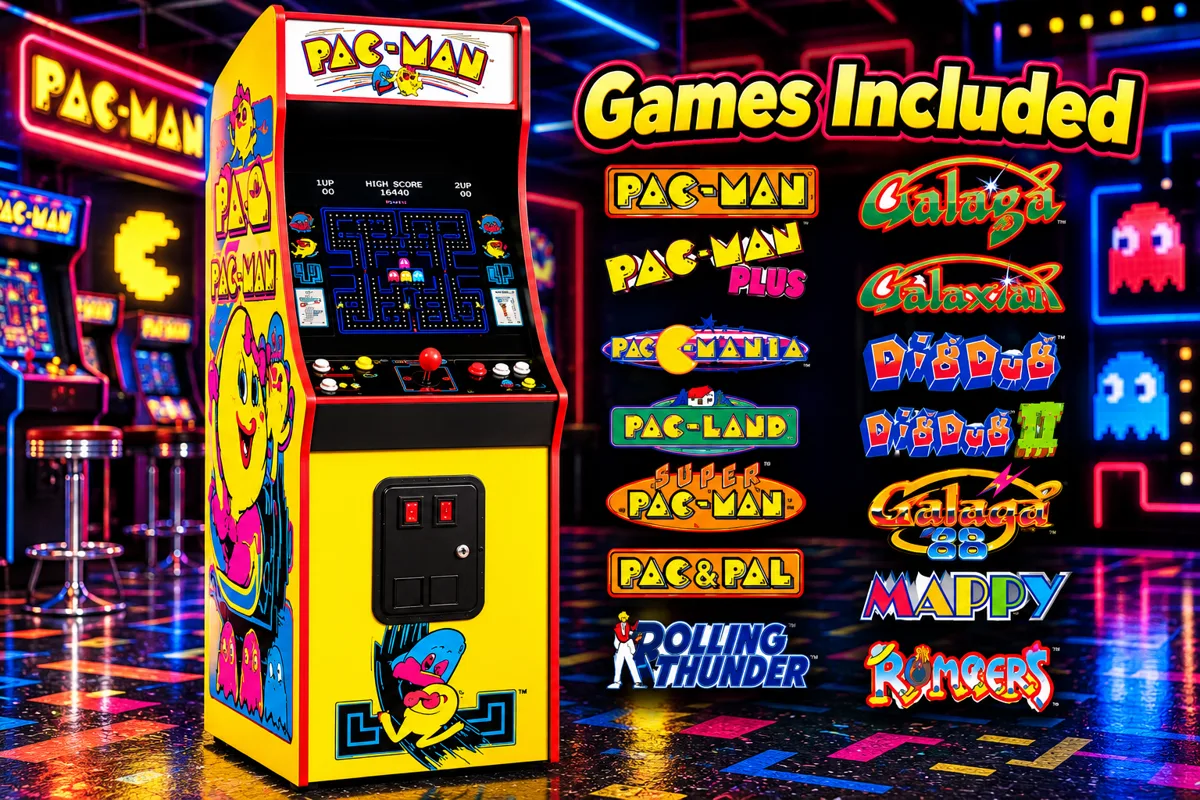
Mr Pacman Arcade Game Rental
A stand-up Mr. Pacman arcade cabinet for indoor parties and events. Indoor use only.
- 2'x5'
- 4+
- 1 standard outlet
$165standard event rental
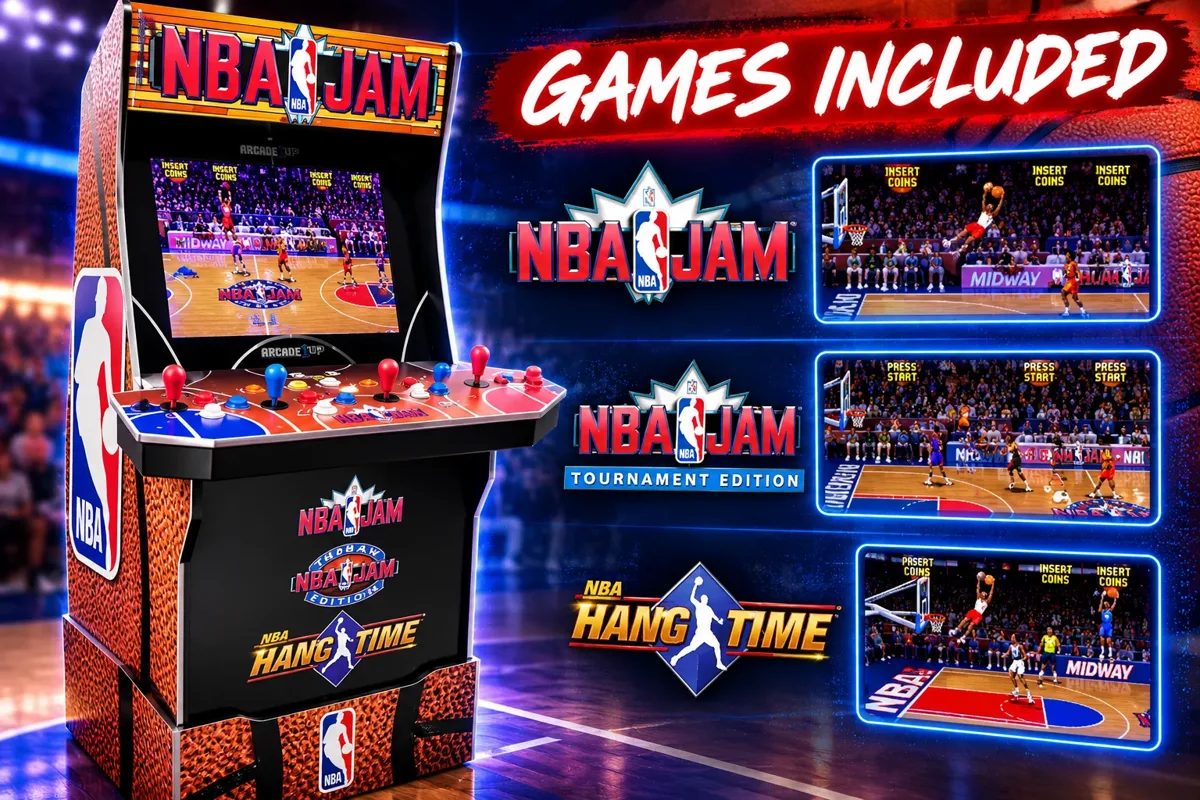
View & BookNBA Jam 4-Player Arcade Machine
Fast-paced basketball action for up to 4 players! This Arcade1Up NBA Jam cabinet includes NBA Jam, NBA Jam Tournament Edition and NBA Hangtime. $165 for a one-day rental. Choose your event date to check availability.
$165standard event rental
View & Book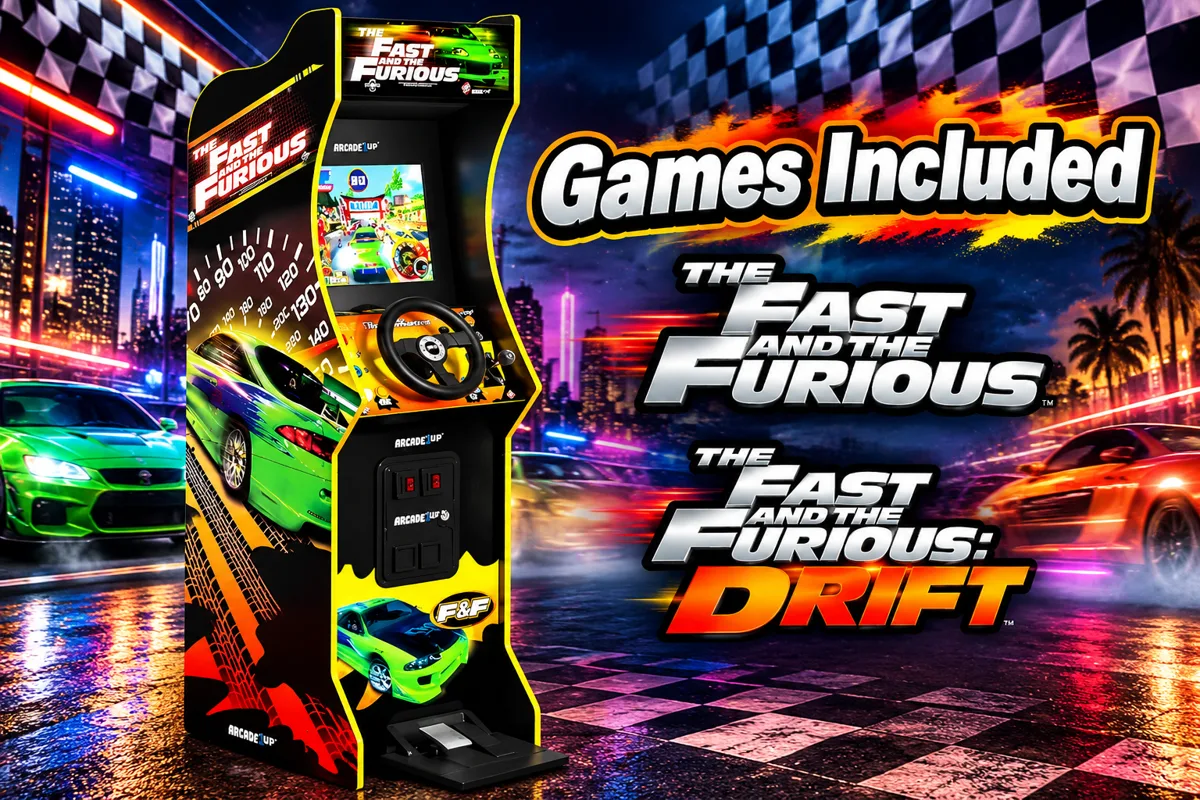
Fast & Furious Racing Arcade Rental
Put your guests in the driver's seat with our Fast & Furious Racing Arcade Rental. Race in The Fast & The Furious and The Fast & The Furious: Drift using a steering wheel, accelerator pedal and gear shifter. $165 for a one-day rental—choose your event date to check availability.
$165standard event rental
View & Book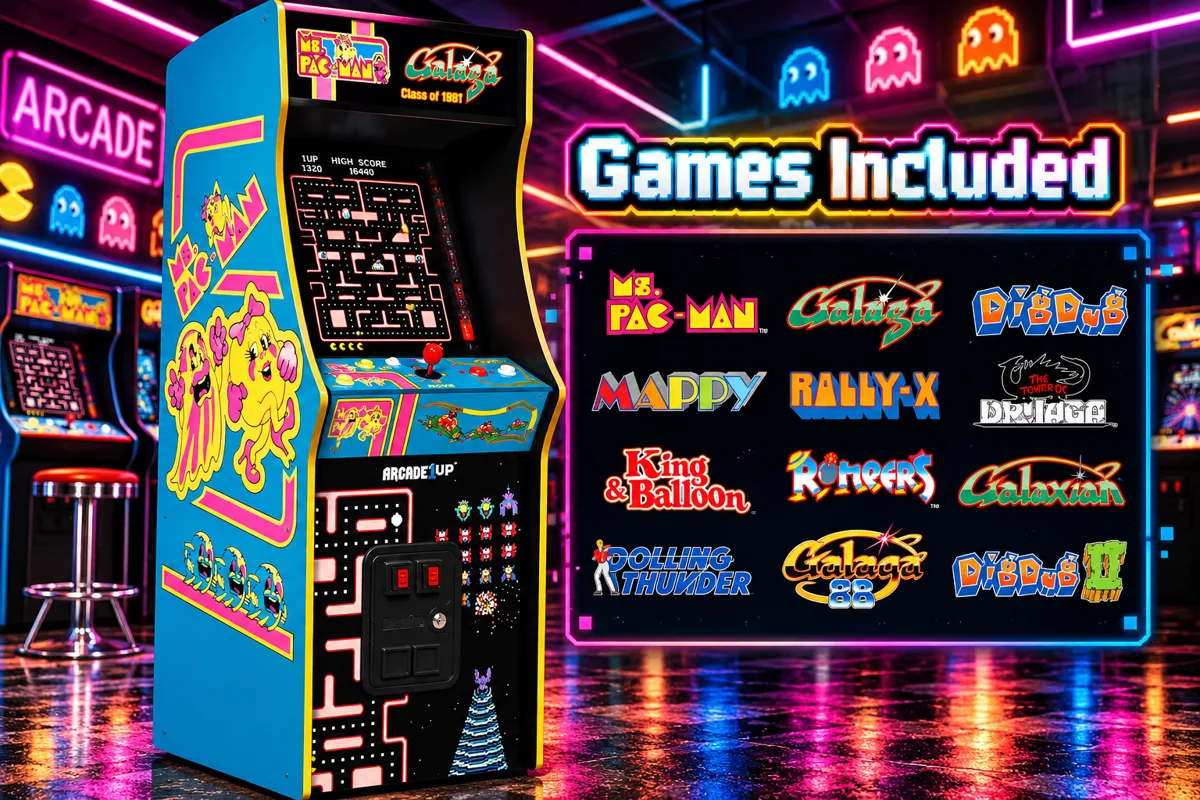
Mrs Pacman Arcade Game Rental
A stand-up Mrs. Pacman arcade cabinet for indoor parties and events. Indoor use only.
- 2'x5'
- 4+
- 1 standard outlet
$165standard event rental
View & Book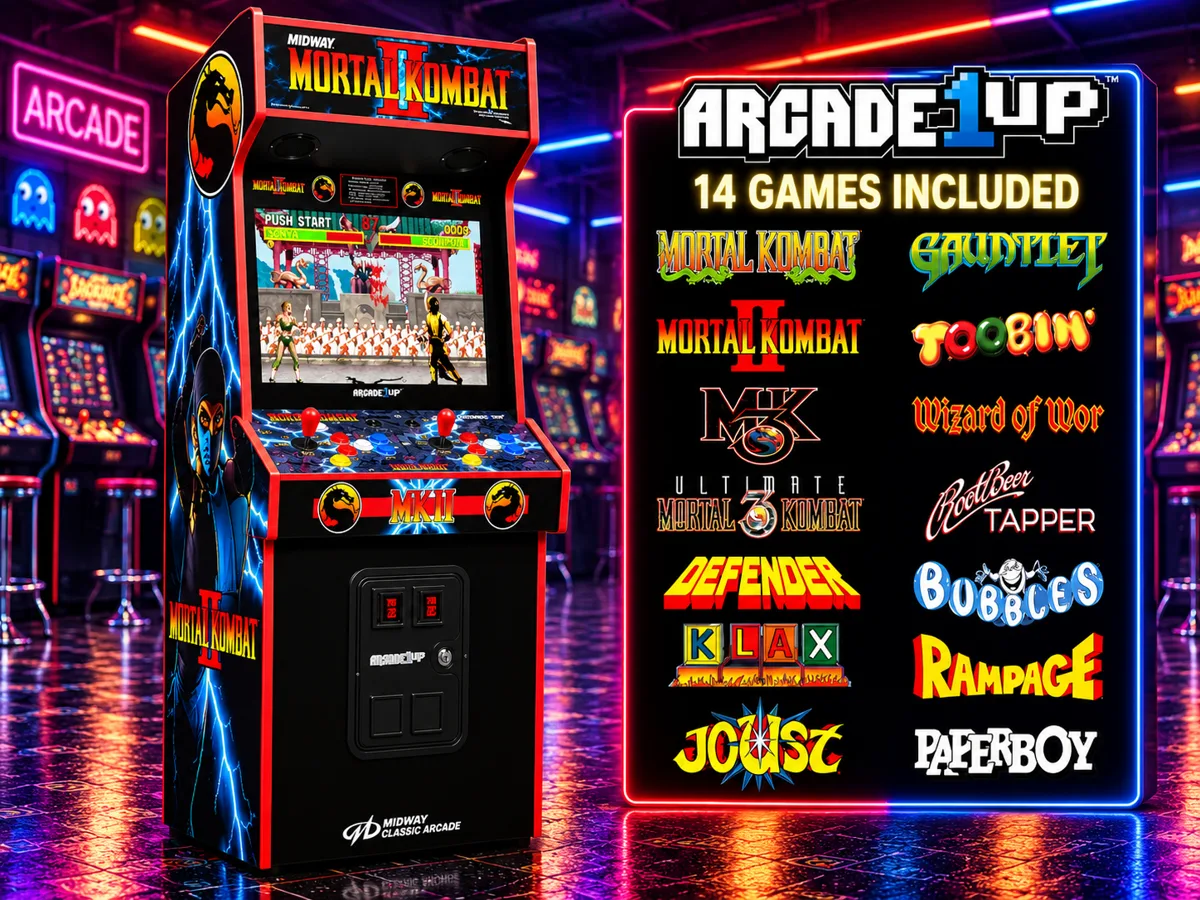
Mortal Kombat Arcade Game Rental
A stand-up Mortal Kombat arcade cabinet for indoor parties and events. Indoor use only.
- 2'x5'
- 8+
- 1 standard outlet
$165standard event rental
View & Book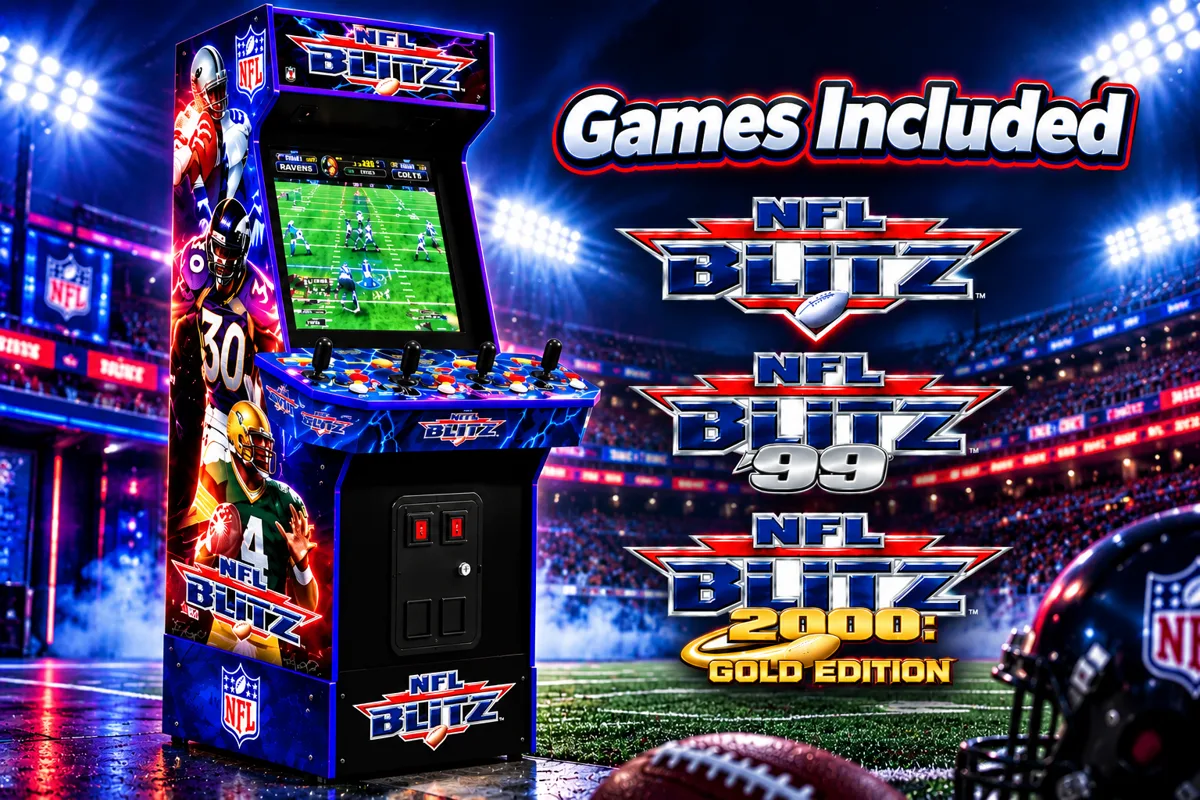
Blitz Football Arcade Game Rental
A stand-up Blitz Football arcade cabinet for indoor parties and events. Indoor use only.
- 3'x5'
- 5+
- 1 standard outlet
$165standard event rental
View & Book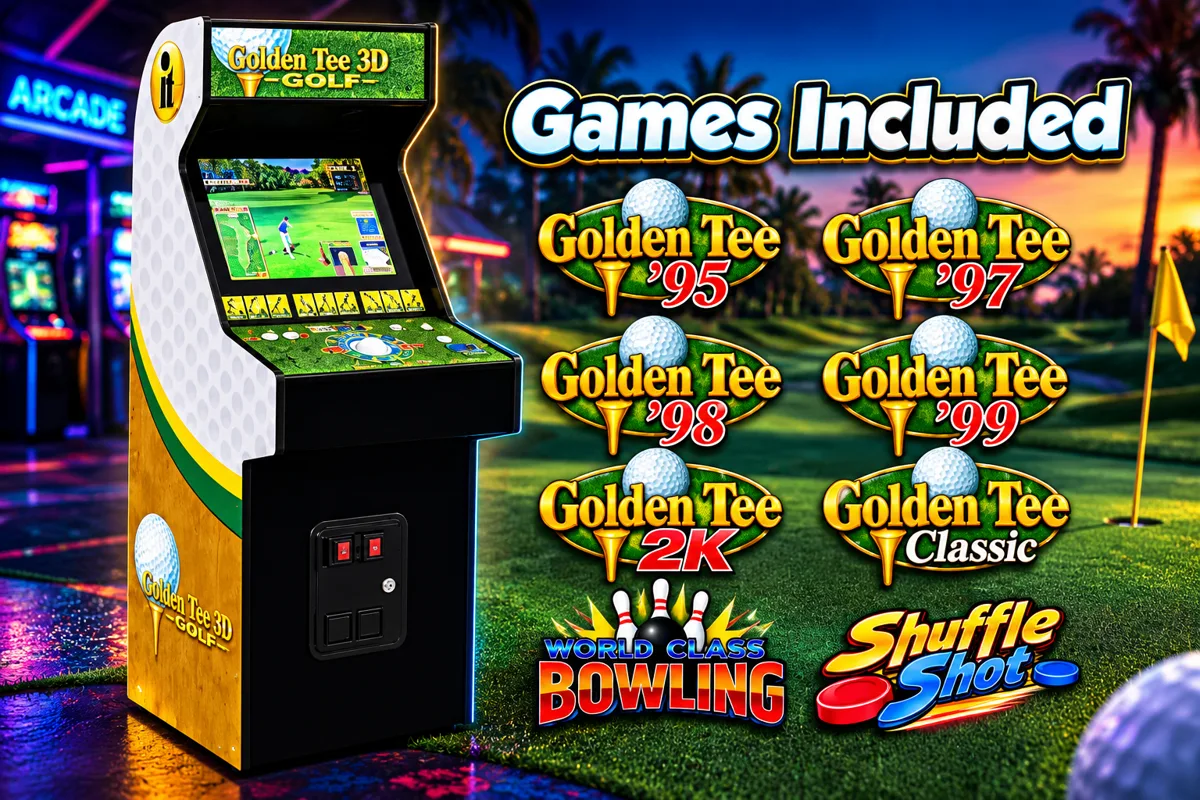
Golden Tee 3D Arcade Game
A Golden Tee 3D golf arcade game with trackball control, for indoor parties and events. Indoor use only.
- 6+
- 1 standard outlet
$165standard event rental
View & Book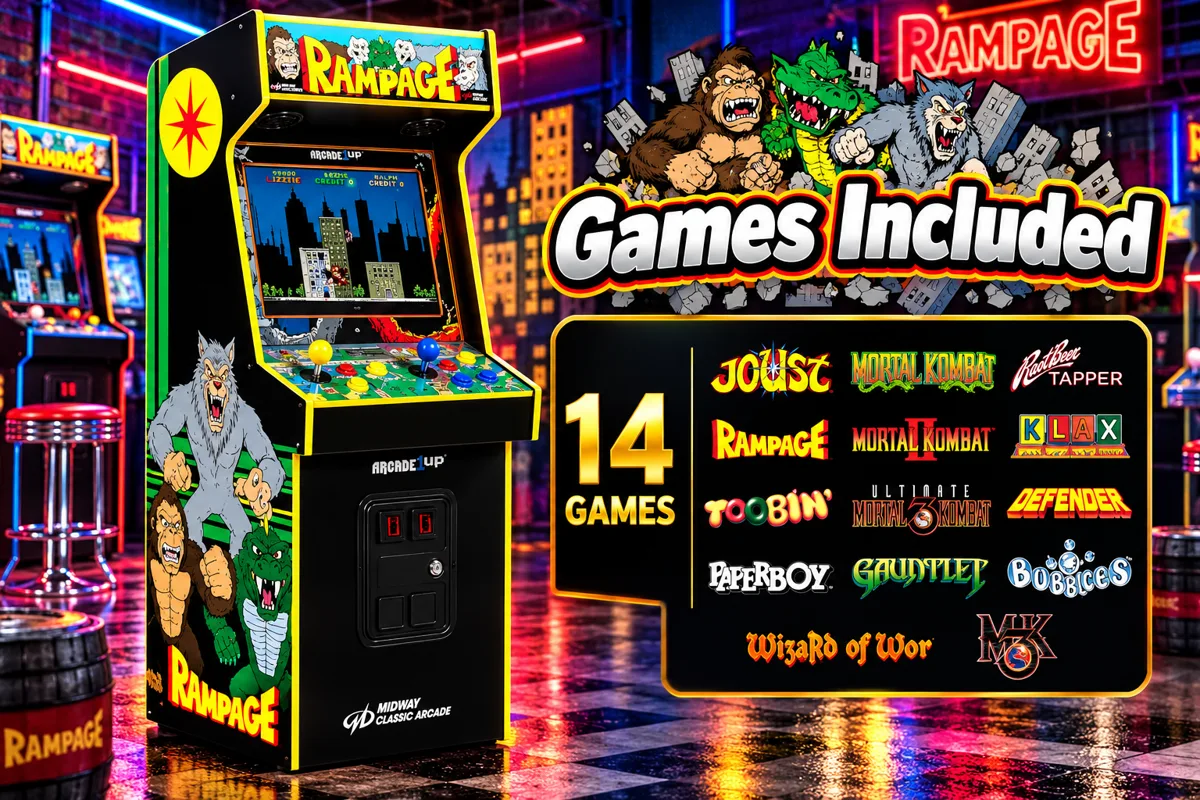
Rampage Arcade Game Rental
Bring classic arcade fun to your next event with our Rampage arcade rental. One cabinet includes 14 games, including Rampage, Joust, Mortal Kombat, Paperboy and more. $165 for a one-day rental—choose your event date to check availability.
$165standard event rental
View & Book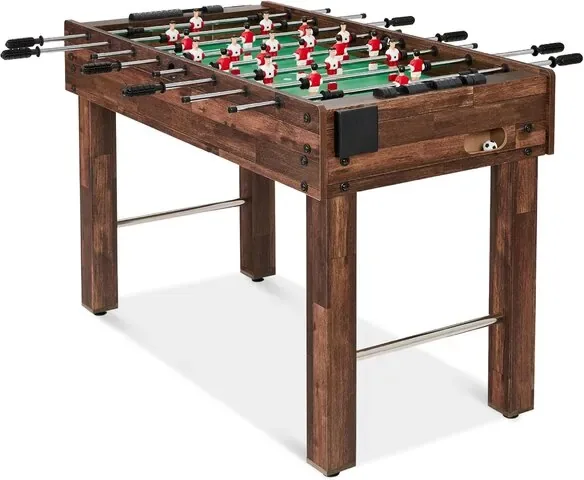
Beyond a single game
Indoor St. Cloud celebrations with a familiar game-night feel
01
Hometown birthday game nights
Choose a favorite game and an approved indoor room where guests can gather without blocking household walkways. Let friends take turns between food and celebration. If access includes steps or tight turns, send those details before assuming a cabinet will fit.
02
School & church hall events
Use the hall or gym's layout to plan distinct game, food and seating areas. Have the organizer approve the game titles and confirm when the team can enter the property for setup and pickup. A familiar local venue still needs its own permission.
03
Indoor community gatherings
For a neighborhood or community event, reserve an indoor room rather than an open-air pavilion. Ask the operator about outside equipment and available outlets. Keep the arcade games in that room even if other event activities take place outside.
Local planning
Local delivery still needs the right indoor space
Millers Jump Time is based in St. Cloud, not an arcade venue open for guests to play. We bring rental equipment to eligible event locations. City facilities, schools, churches and shared community rooms have their own rules, so obtain permission for the exact room and share the access details before booking.
- Confirm an indoor / gym floor location; lakefront and park pavilions do not qualify.
- Compare the listed cabinet dimensions with doorways and the usable room.
- Give MJT the actual event times, property contact and setup access window.
Local planning resources
City of St. Cloud facilitiesOfficial information is not permission for arcade rentals or evidence of an MJT partnership. Confirm directly with the property operator.
Check your event location
Use the exact event ZIP, not just the area name. A coverage check does not confirm property permission, cabinet access or availability for your date.
Indoor means indoors
All arcade games require an Indoor / gym floor setup. Keep outdoor celebrations and pool areas separate from the arcade room. Call our St. Cloud team to review access or help choose games.
407-908-9169St. Cloud arcade rental questions
How much do arcade game rentals cost in St. Cloud?
Current catalog base rentals start at $99. Each card and product page shows the current rental price. Your selected schedule, equipment, tax and applicable checkout charges determine the final total; the catalog price is not an all-inclusive delivered quote.
Can you deliver arcade games to St. Cloud?
We deliver to eligible properties and venues from St. Cloud. Check the exact event ZIP and provide the full address and equipment access details during booking. Property permission and indoor setup are required; a city name alone does not guarantee service to every address.
Can I visit MJT to play the St. Cloud arcade games?
MJT is an event rental company, not a walk-in arcade venue. Choose equipment online for an eligible indoor event location and use the existing booking controls, or call 407-908-9169 to discuss your plans.
Can an arcade rental go under a tent or on a covered patio?
No. Every Arcade Game Rental is Indoor Use Only. Only an Indoor / gym floor setup qualifies. Tents, covered patios, pool decks, grass and outdoor hard surfaces do not qualify; a generator never changes this restriction.
Which games should I choose for children and adults?
Browse the actual titles and descriptions below, then consider your guests' interests and the organizer's age and content guidelines. Classic, sports and racing games provide different types of play; not every title is suitable for every audience. Ask MJT if you want help selecting the lineup.
What do I need to confirm about space and power?
Review each product's listed dimensions, setup space and power requirements. Measure the narrowest door, hallway and turn on the delivery route; disclose stairs or elevators. Confirm indoor outlets with the venue. Do not assume every cabinet has identical measurements or that a listing is a site approval.
How do I reserve an arcade game?
Set your event date and times with Check Availability, choose a machine and open its existing product page. Select its approved indoor setup and follow the normal reservation steps. Browsing, checking a ZIP or viewing available games does not reserve equipment.
Meet the team behind your game night
MJT is family and veteran owned, based in St. Cloud and fully insured. Read feedback on our Google listing; reviews are not presented as St. Cloud-specific arcade reviews.
Keep planning your event
Ready for game night in St. Cloud?
Choose your date, compare the machines and reserve through the existing product pages.